









Today we’re going to talk about how to increase your online bookings. After all, that’s the ultimate goal of any company that advertises its services or activities online, right?
Cloud-based booking systems can have many features, and no matter how you use them, there will always be different ways to increase conversions. So today we’re going to share with you three of the most important steps you can take with your online booking software to help you get more bookings and customers.
So without further ado, let’s dive into these three steps:
Step 1: Money-Back Guarantee
It’s been proven that offering your potential customers a guarantee that protects them, provides a safety net, and explicitly states that they can get all their money back if they don’t enjoy their experience—will result in more bookings.
It has been proven that offering your potential customers a guarantee that protects them, provides a safety net, and explicitly states that they can get all their money back if they don’t enjoy their experience—will result in more bookings.
Money Back Guarantee
To begin with, people will love their experience with you—of course they will! And even if there’s one in a thousand who’s particularly picky—there’s plenty of data showing that money-back guarantees are very rarely claimed—even by these types of people.
So if you don’t already offer a money-back guarantee, give it serious consideration. And if you do, be sure to explicitly state it in your booking system. Let people know, and you’ll get more bookings as a direct result.
Action 2: Testimonials + Reviews
Did you know that if you sell a product on your website, customer testimonials can be a key content factor in promoting your business or attracting new customers? Having testimonials and reviews from enthusiastic fans and satisfied customers will give potential customers the confidence they need to book with you for the first time.
Testimonials + reviews
Think about it! By using testimonials (reviews and comments from your satisfied customers) in the form of text, audio, or video on your website, you’re not only answering your potential customers’ questions, but you’re also turning your sales pitch into a credible and honest recommendation for your product.
How do I set up automatic feedback requests?
Action 3: Facebook Pixel
Actions 1 and 2 are a great way to get more people to book the first time they visit your booking system. But even then, some will leave the site without making a booking. Often this is due to a lack of time, needing to consult with others, not having their credit card with them, etc.
But just because someone visits your website and leaves… doesn’t mean they won’t book again in the future.
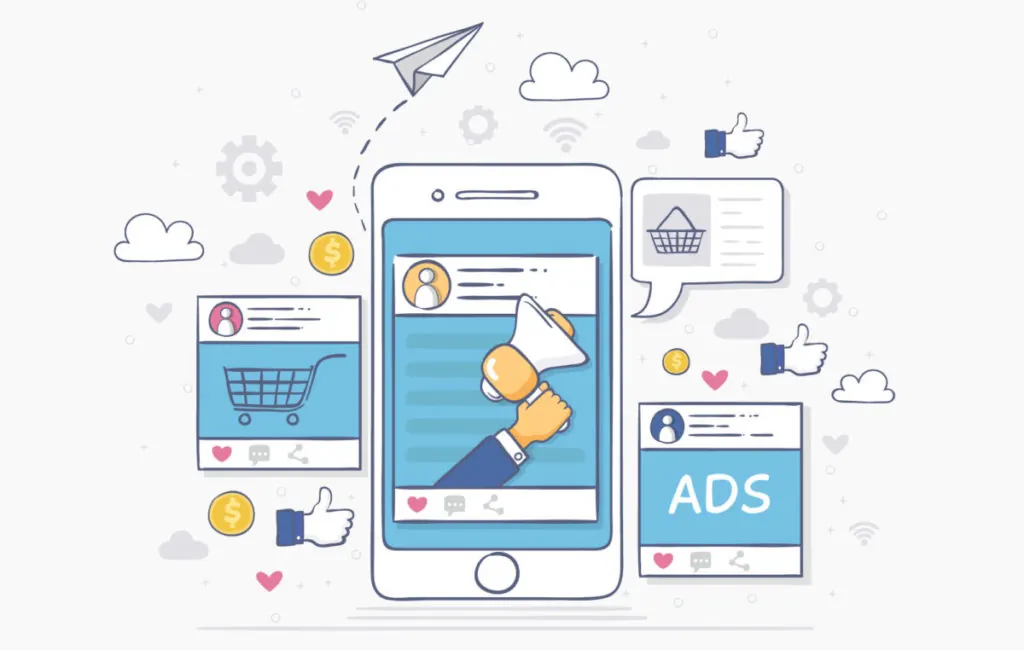
Especially if you run some kind of retargeting or remarketing campaign. This is where you target specific audiences based on the actions they’ve taken on your website. For example, showing ads only to people who have visited your site.
And the best way to do this is by using Facebook ads—which first requires installing Facebook’s unique ad pixel (tracking code) on your website and booking system.
How to Use the Facebook Pixel to Get More Bookings
These three steps may seem like fairly minor changes to make—and they certainly are. But the impact they can have on your bookings is HUGE.
A tribute that smells of volcanic soil, high-altitude wine, and the hard work of the people who make it all possible…